



Dialpad Meetings for Microsoft Outlook
Use Dialpad Meetings to easily schedule, organize, and modify meetings within Outlook.
Media
Overview
With Dialpad Meetings for Microsoft Outlook, you will get:
Easy Meetings
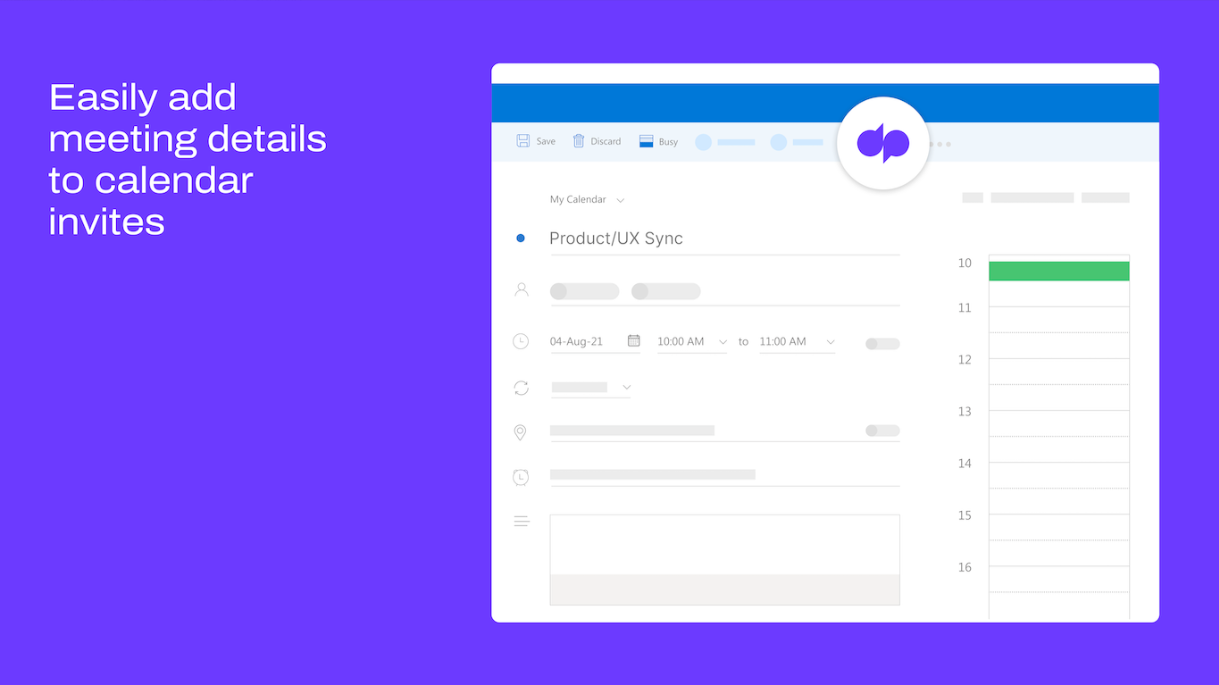
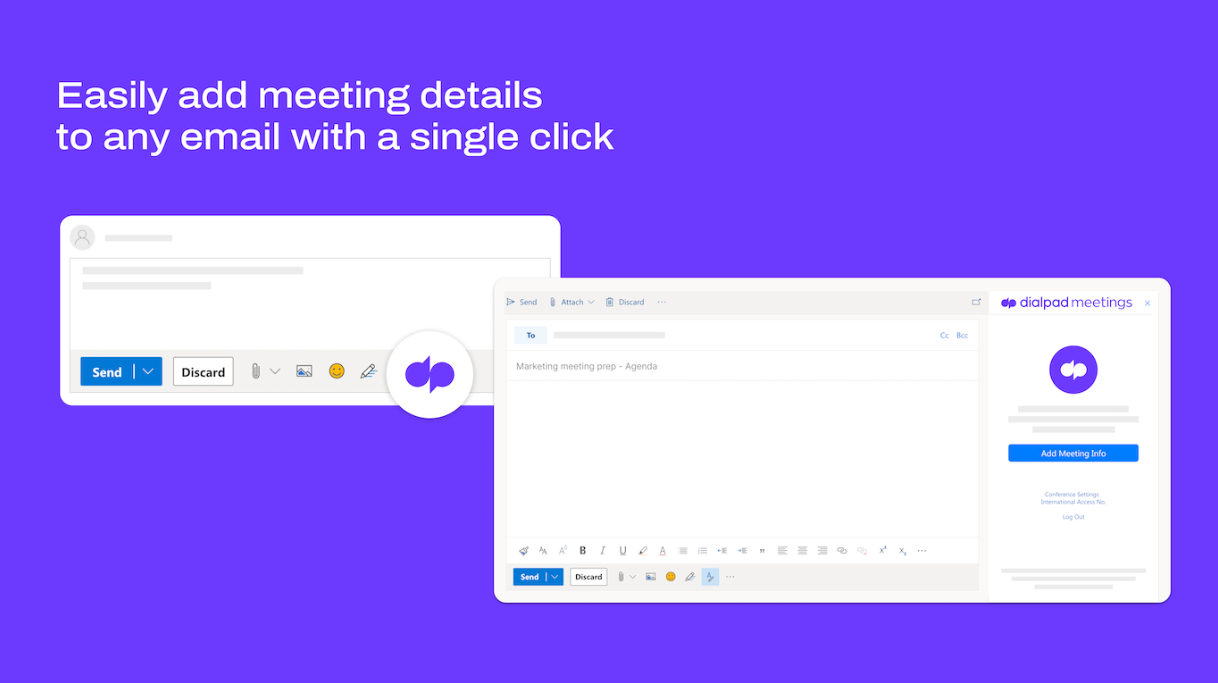
Easily add meeting details to Outlook emails and calendar invites. Joining meetings is as simple as clicking on a calendar invite or a URL, and right from your browser.
Built-in AI*
We instantly capture what was said and by whom, so you can focus more on your meeting and less on taking notes. We’ll even send out an email recap with key takeaways and links to recordings so you’re always clear on the next steps.
Brilliant HD video
Stay connected to the entire team with a reliable video that feels as good as any in-person meeting
Crisp, clear audio
We instantly reduce background noise so every word is heard without distractions
A personalized experience
Pick your layout, hold music and meeting room URL
Highly engaged meetings
Use in-meeting chat and emojis to quickly share reactions during meetings
Peace of mind with secured meetings
With meeting security features such as meeting lock, mute/unmute, and guest removal—you’re always in control
How to Setup
Visit the Dialpad Meetings for Microsoft Outlook Help Center article for installation instructions.
Agentic AI
Microsoft Outlook + Dialpad Agentic AI Integration
Dialpad’s Agentic AI now integrates with Microsoft Outlook, enabling customers to interact directly with AI agents that autonomously manage calendar events. This Agentic AI integration can schedule new meetings, update existing invites, and cancel events in real time. By removing the burden of manual scheduling and coordination, teams stay organized, avoid conflicts, and reclaim valuable time to focus on priorities that drive business forward.
Availability may vary depending on Outlook’s APIs and customer system configuration.
Dialpad Meetings for Microsoft Outlook
Use Dialpad Meetings to easily schedule, organize, and modify meetings within Outlook.
Media
Overview
With Dialpad Meetings for Microsoft Outlook, you will get:
Easy Meetings
Easily add meeting details to Outlook emails and calendar invites. Joining meetings is as simple as clicking on a calendar invite or a URL, and right from your browser.
Built-in AI*
We instantly capture what was said and by whom, so you can focus more on your meeting and less on taking notes. We’ll even send out an email recap with key takeaways and links to recordings so you’re always clear on the next steps.
Brilliant HD video
Stay connected to the entire team with a reliable video that feels as good as any in-person meeting
Crisp, clear audio
We instantly reduce background noise so every word is heard without distractions
A personalized experience
Pick your layout, hold music and meeting room URL
Highly engaged meetings
Use in-meeting chat and emojis to quickly share reactions during meetings
Peace of mind with secured meetings
With meeting security features such as meeting lock, mute/unmute, and guest removal—you’re always in control
How to Setup
Visit the Dialpad Meetings for Microsoft Outlook Help Center article for installation instructions.
Agentic AI
Microsoft Outlook + Dialpad Agentic AI Integration
Dialpad’s Agentic AI now integrates with Microsoft Outlook, enabling customers to interact directly with AI agents that autonomously manage calendar events. This Agentic AI integration can schedule new meetings, update existing invites, and cancel events in real time. By removing the burden of manual scheduling and coordination, teams stay organized, avoid conflicts, and reclaim valuable time to focus on priorities that drive business forward.
Availability may vary depending on Outlook’s APIs and customer system configuration.